
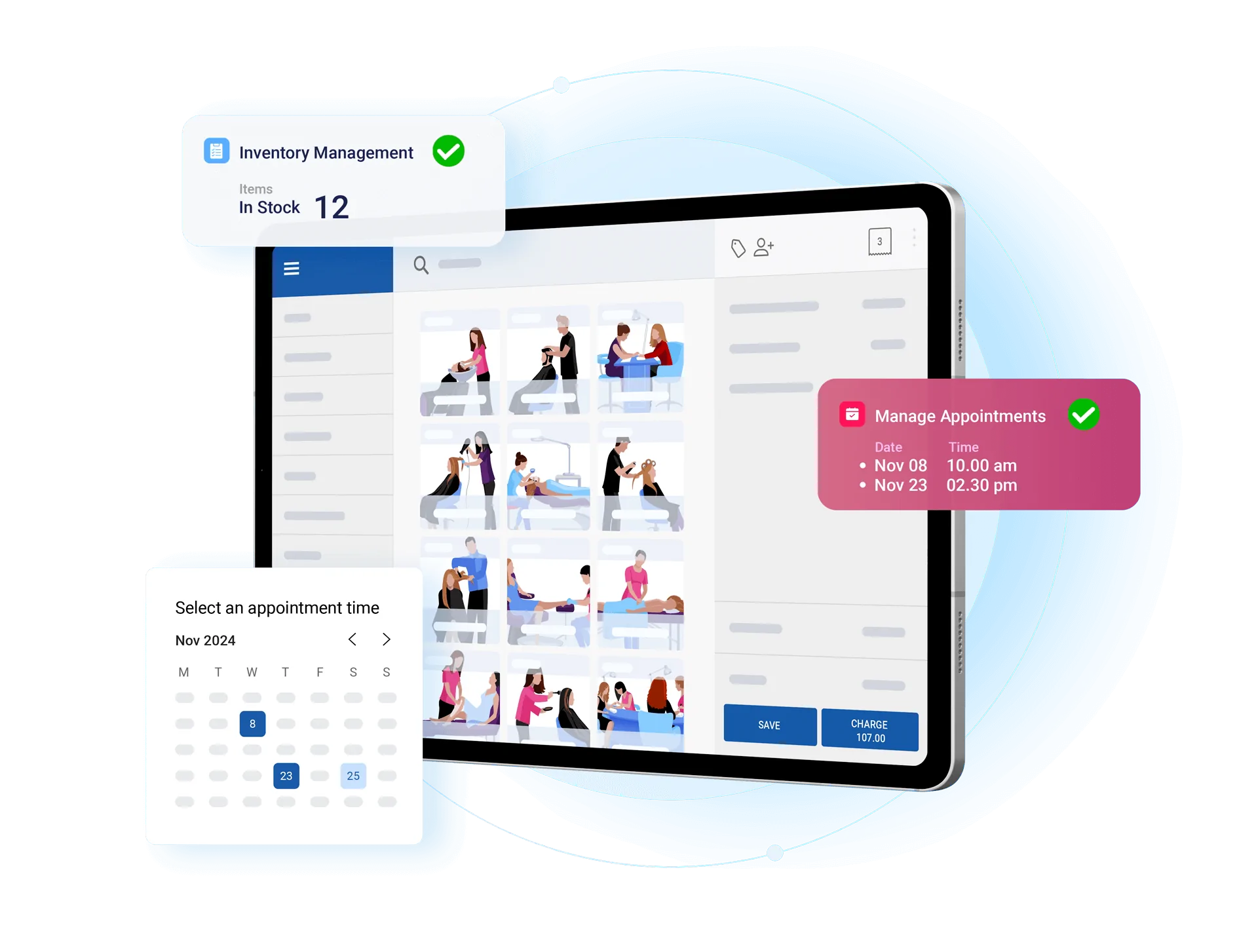
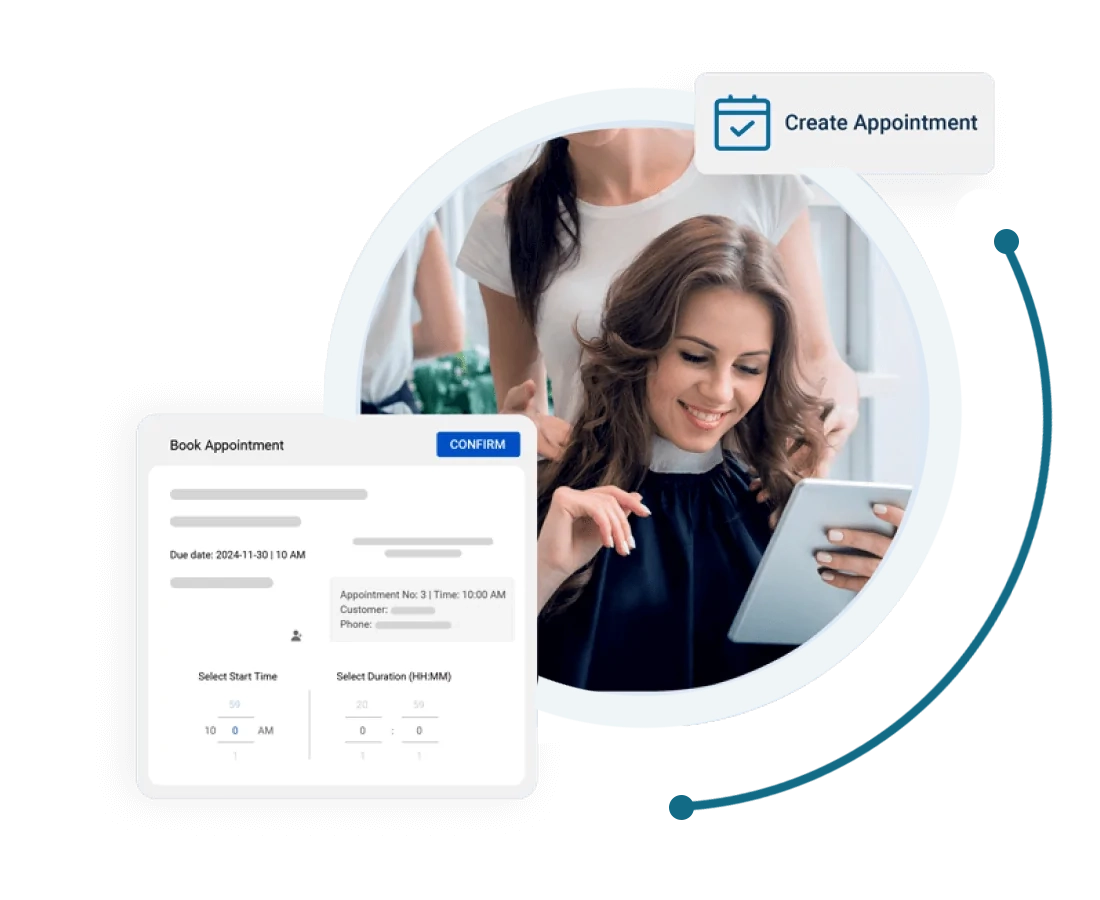
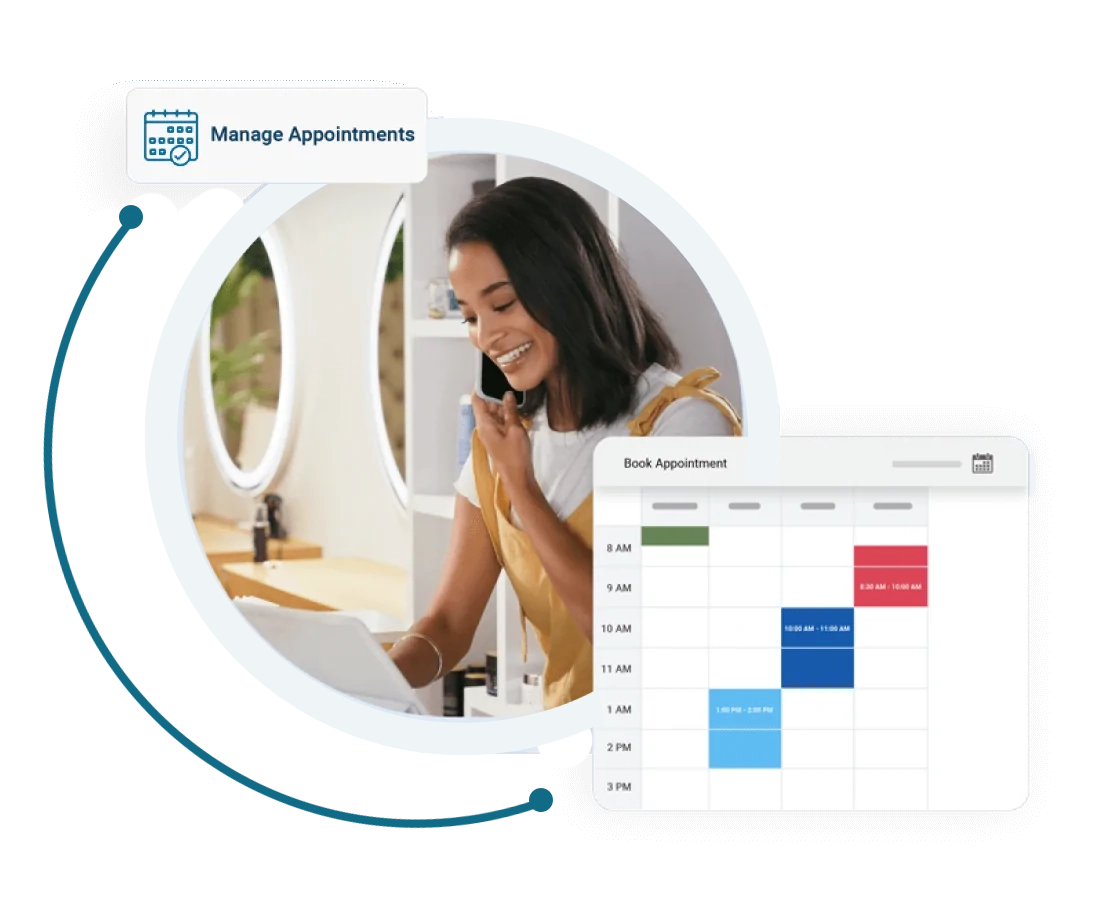

Start by downloading the ZaPOS app on android or iOS, or create your account on a web browser. remember to select salon as a business type during the registration. now appointments can be created from the ZaPOS
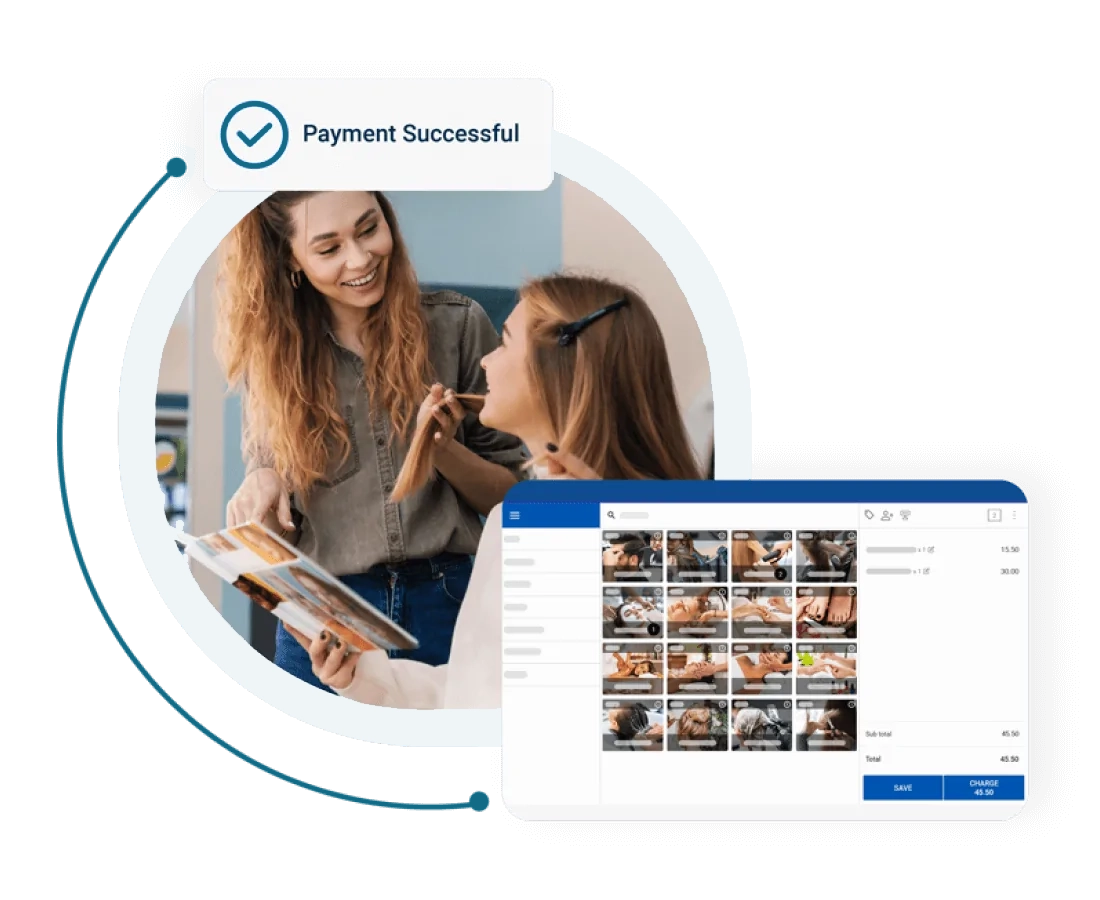
First, create your employee from the employee list and tick bill assign staff from the ZaPOS Back Office. now you will see assign employee tabs appear on the function tab of the ZaPOS . each time you create a receipt, you can assign the employee to the receipt on ZaPOS before charging.
You can bulk import customer and product lists to the ZaPOS and start using the software immediately. with our easy-to-use interface, you can seamlessly migrate your business.