ZaPOS Back Office

Manage your store(s) and keep track of sales & inventory with ZaPOS
Back Office

The Back Office Web Portal is a comprehensive management and analytics platform integrated with the ZaPOS system. It allows you to create products, manage inventory, customize software settings, and access real-time data and reports. Additionally, you can manage user permissions and assign roles, all from your PC or mobile device, giving you complete control over your business operations.

Reports

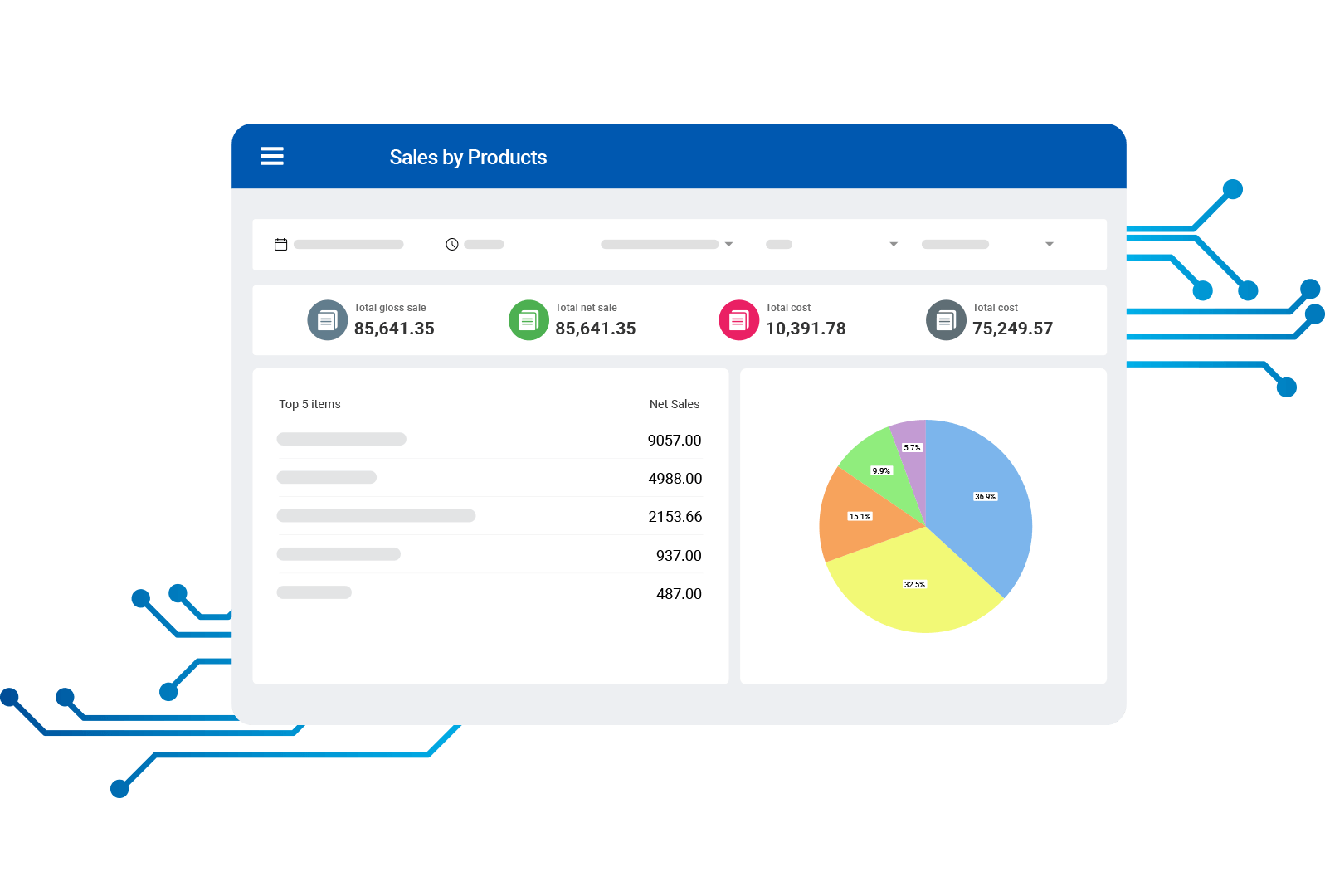
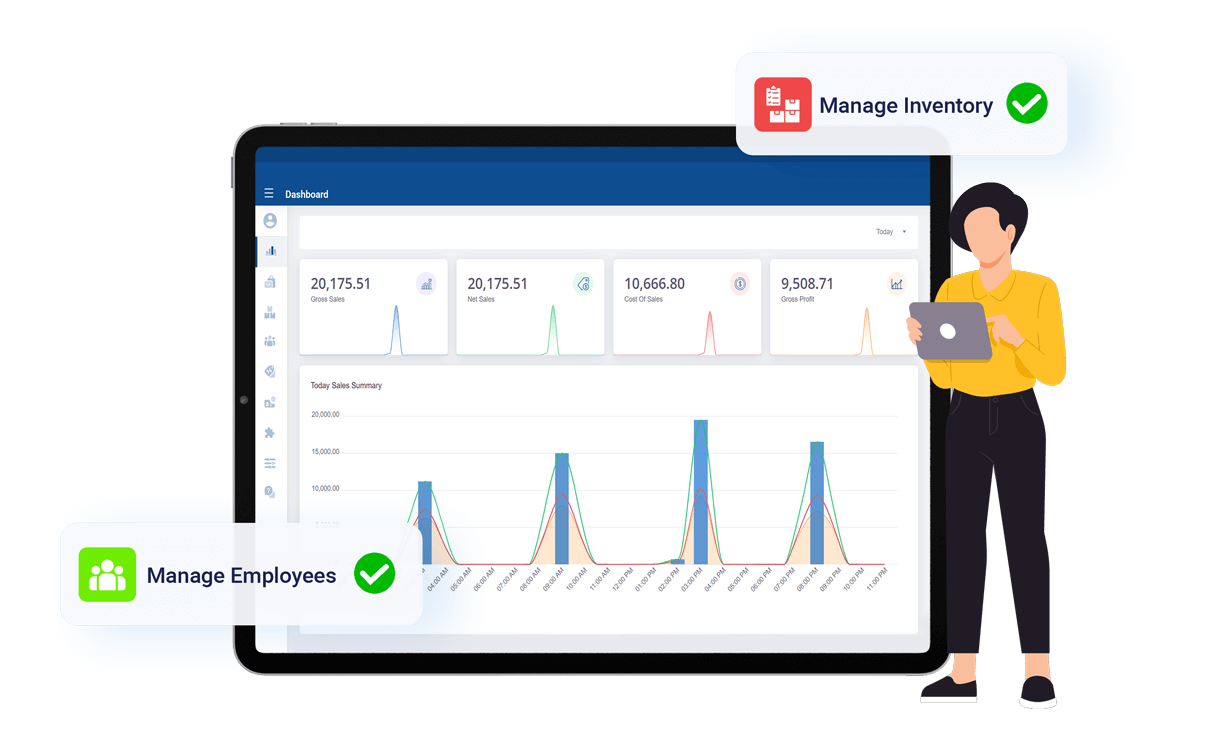
Analyze sales and inventory reports, get a clear view of the performance of specific products or sales tactics, and make data-driven decisions for the constant growth of your business

  • The sales analytics dashboard lets you analyze data by multiple parameters, including time period, gross sales, net sales, gross profit, discounts, and refunds given; shop-wise
  • Use sales reports to identify the most profitable products and categories, as well as top-performing employees and stores
  • Use the sales by shift report to understand how different parts of the day are performing as well as the difference between expected and actual cash amounts during the day
  • Access transaction history, export reports to CSV files, and analyze data in a sleek dashboard environment

Products

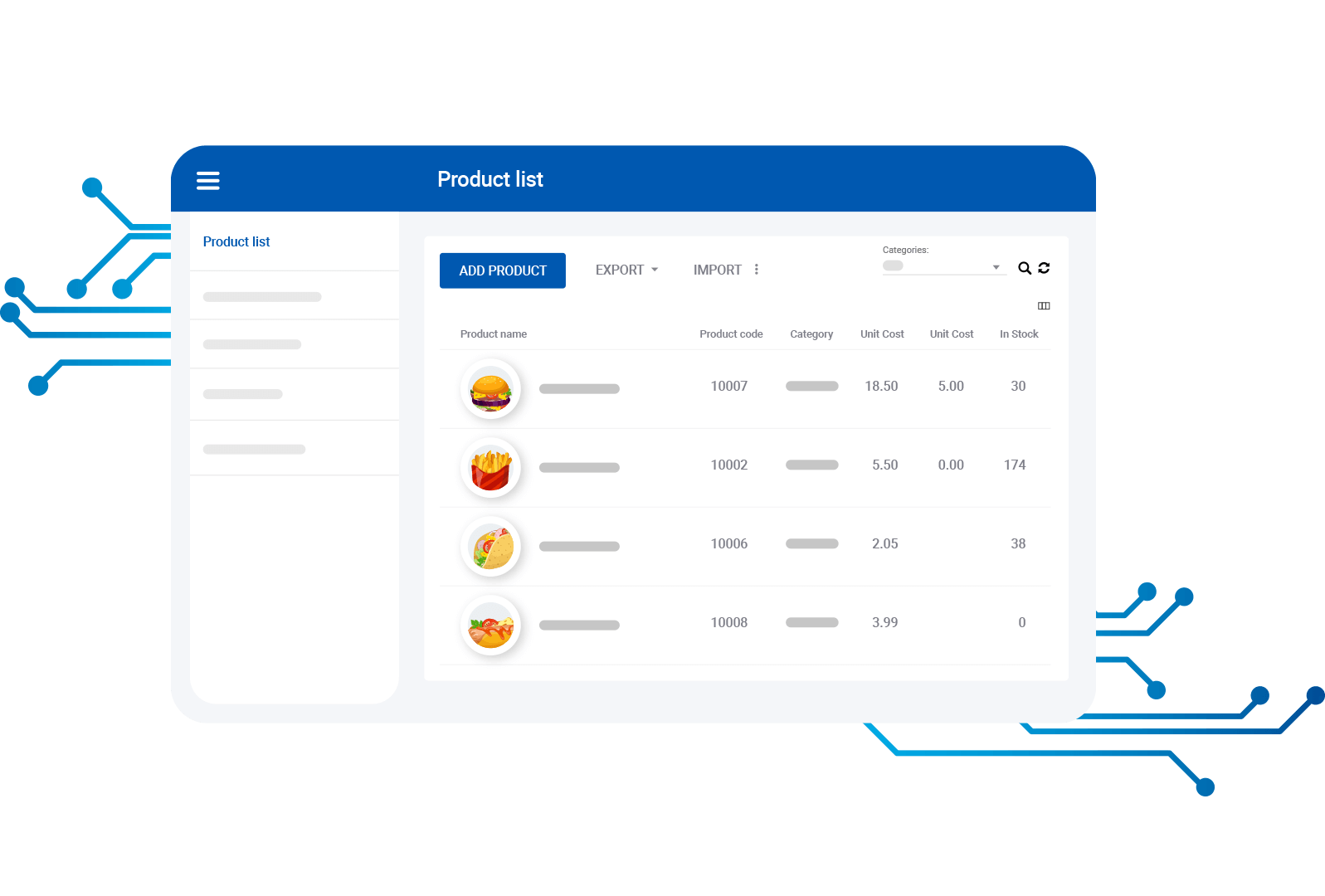
Manage and customize your product list with ease—update details, add images, and optimize checkout for a smoother operation

  • Update information such as price, stock level, weight, category, and more. Add new items instantly or import new items in bulk
  • Set custom prices and stock for location-based shops
  • Ability to sell products to customers with an amount or percentage-based discounts, taxes and take notes on the items
  • Organize items by categories and use modifiers to customize the product

Advanced Inventory

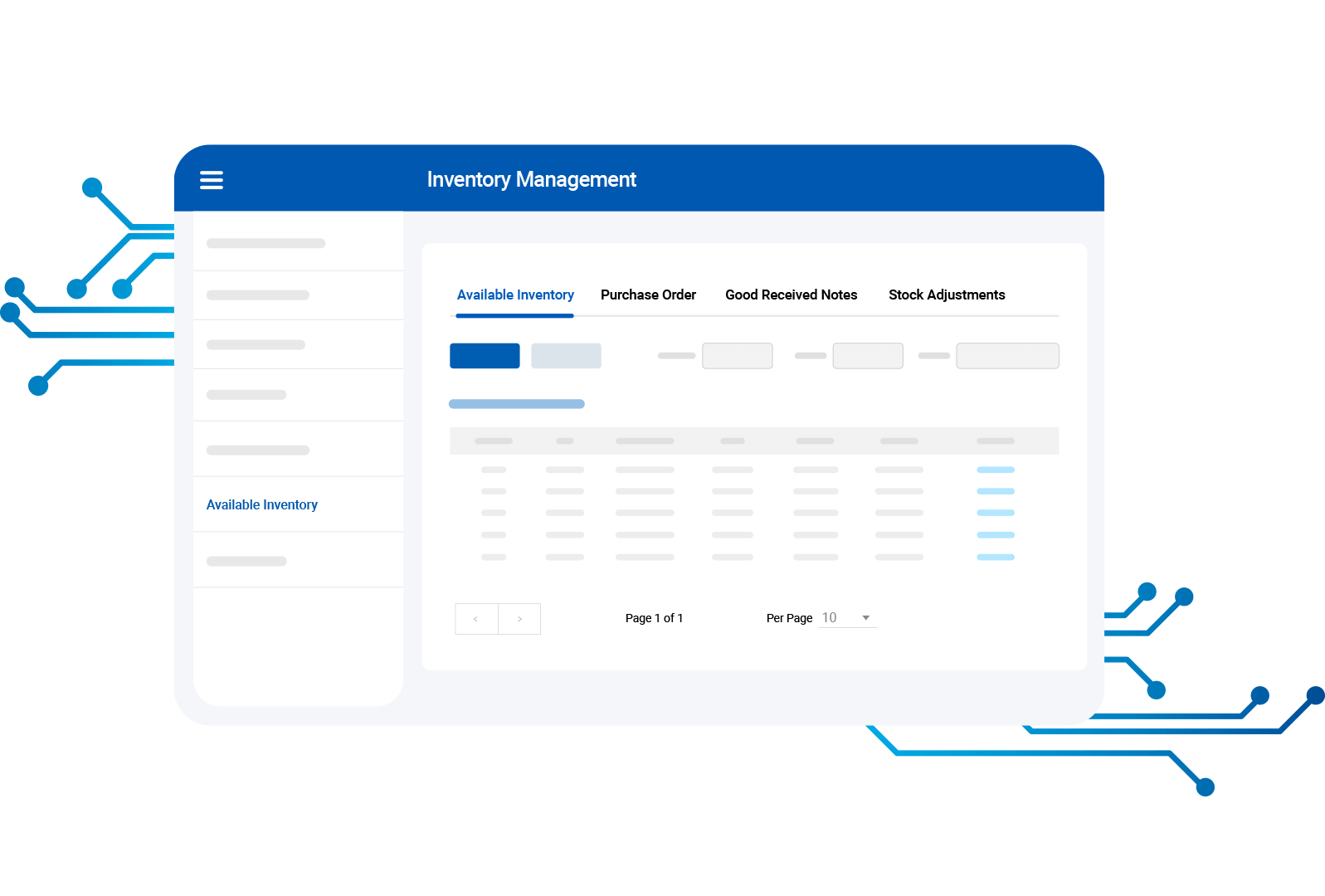
An advanced inventory management subscription gives you the ability to track, forecast, and plan sales in real-time. This can help you achieve better inventory levels and sell more products, making your business more profitable

  • Use Purchase Orders (PO) to update inventory and send orders to suppliers. Know when to place a re-order by entering a minimum order quantity and accessing low-stock reports
  • Distribute inventory to multiple locations, view/ adjust stock levels through Stock Adjustments and rectify the difference
  • Manage multiple inventory-based actions such as TOG based on GRN by allocating to different shops
  • View the flow of inventory across all shop locations with the Inventory History report

Customers

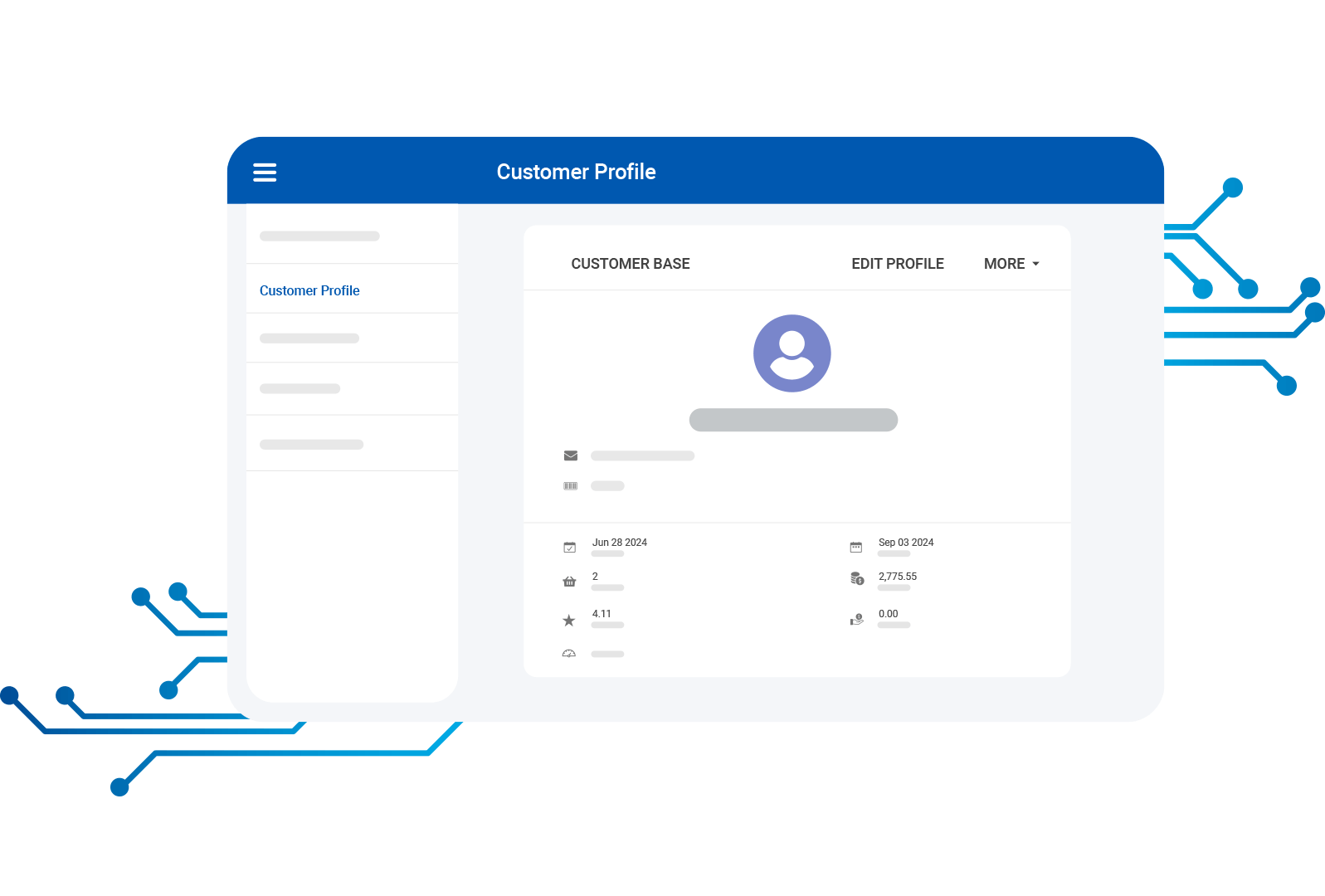
Manage your customers by keeping records of the customer base and by arranging loyalty programs. Customer management is crucial to the success of any type of business

  • Register customers in the system and Create a customer base
  • Facility to adjust points manually
  • Export customer base to CSV or PDF for further reference
  • Import your existing customer base by simply uploading a file
  • Manage loyalty programs and redeem points
  • Manage and keep track of the creditors

Promotions

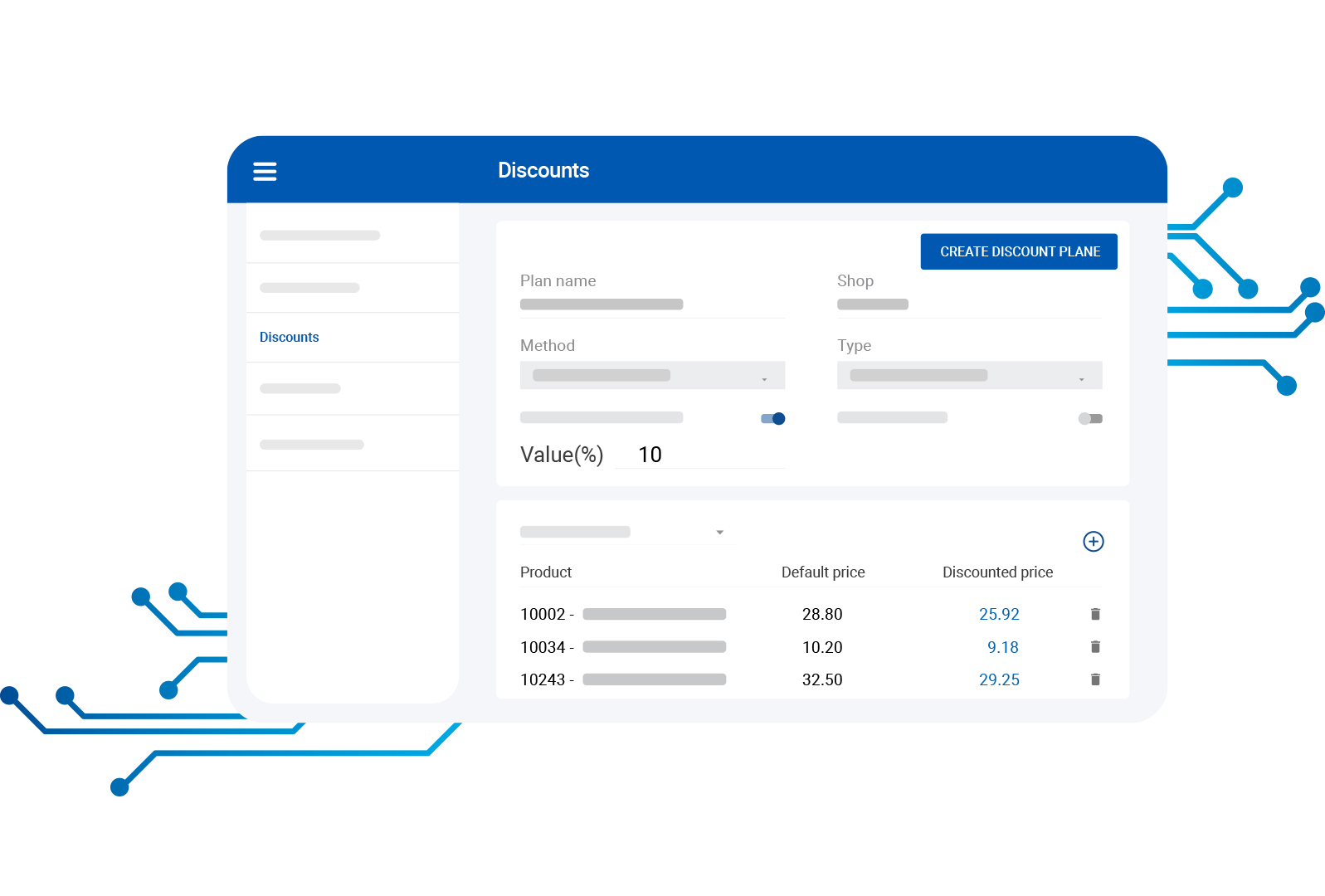
Plan promotions by having multiple pricing plans. You can have different prices for a product. You can also create discount plans early and make them available for sale. You can upload bulk product prices as well

  • Create discount plans with extra features such as scheduling them for a specific period, attaching the discount to the product or receipt total, defining value discount or percentage etc
  • Create pricing plans that can be applied at the time of sale. You can schedule the pricing plan, select product categories to which you want to apply the pricing plan, select the shop(s) to which you want to apply the pricing plan etc
  • Bulk upload product prices

Users

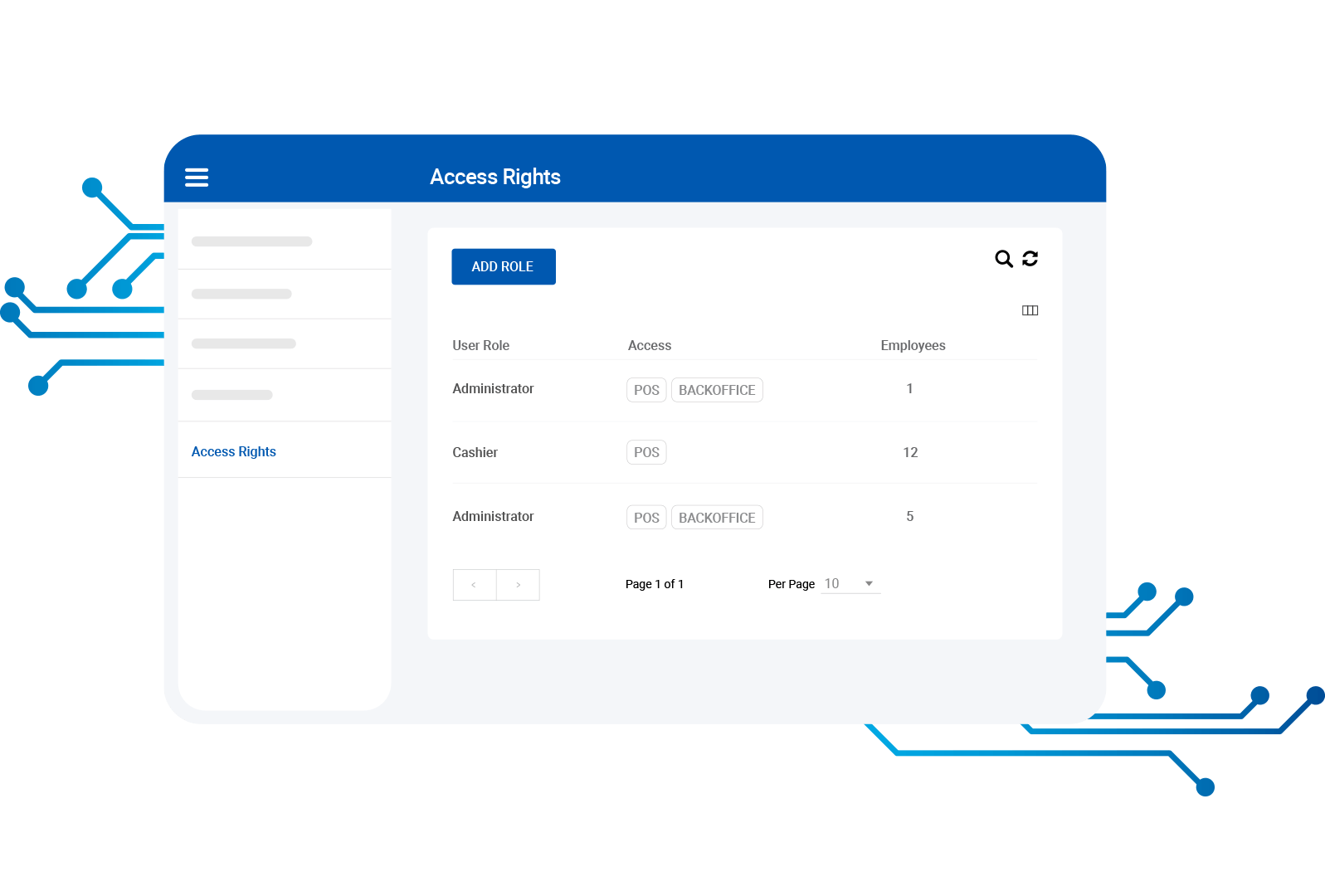
Manage system employees, tablet users, and other staff members and their access rights easily and seamlessly

  • Create user profiles with different access rights and assign them to shops
  • Create new tablet user profiles

Settings

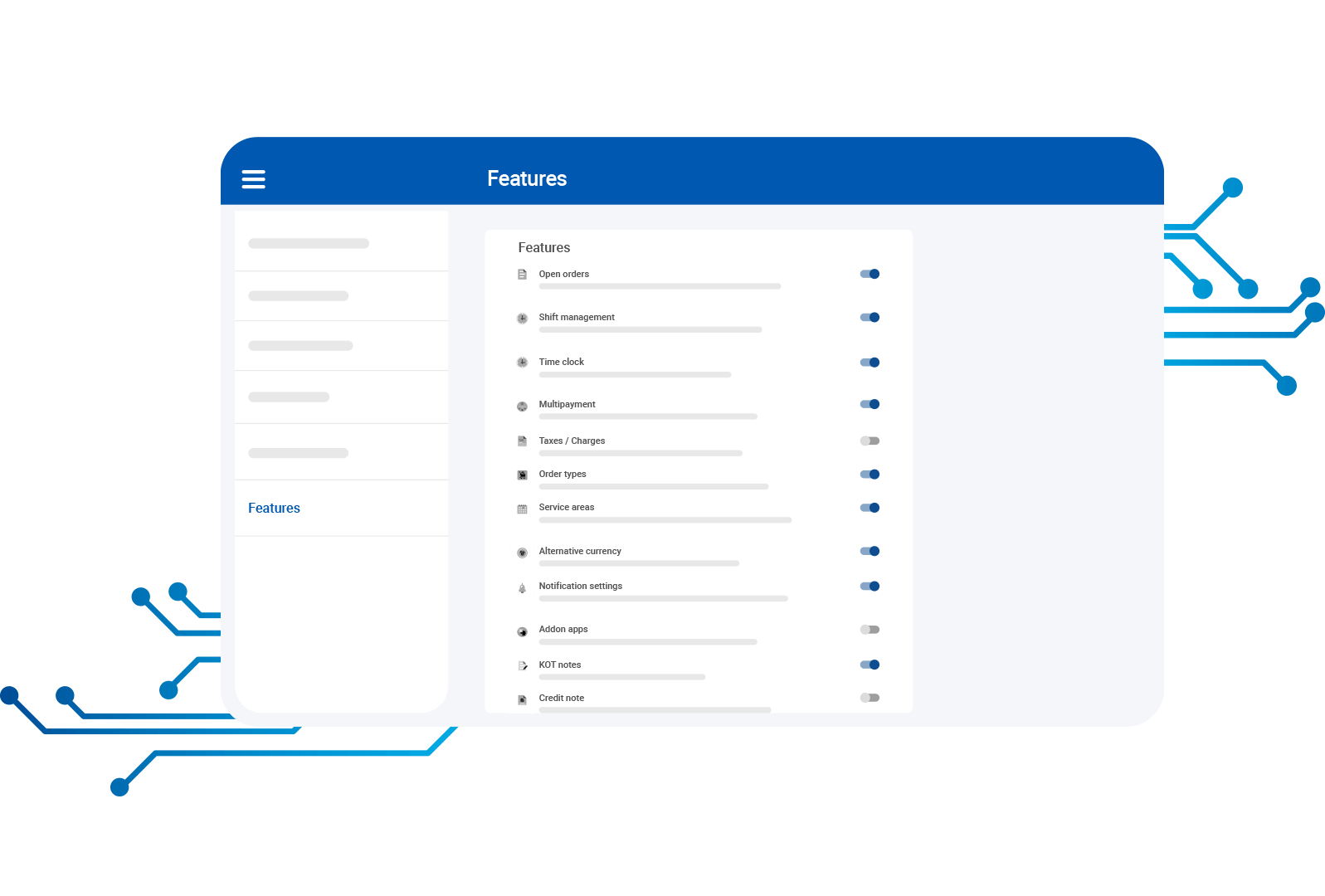
Customize or adjust your SalesPlay account settings with one click: features, payment types, receipts, software setup, shops, and more

  • Enable features for a wide range of parameters: open receipts, shift management, multiple payments, taxes, reservations, and more
  • Add and manage information on all your shops.

Subscriptions

Manage your subscriptions simply. Subscribe to Employee Management, Advanced Inventory, and Custom Pricing programs and enjoy many more features

  • Subscribe to “Employee Management” and create users, manage access rights, login alerts, and sales by employees
  • Subscribe to ‘Advanced Inventory’ to create orders, generate GRNs, view inventory history reports, and manage stock
  • Subscribe to “Custom Pricing” and request special pricing if you have more than 5 users

Complementary Apps

Don’t have a ZaPOS Account?